
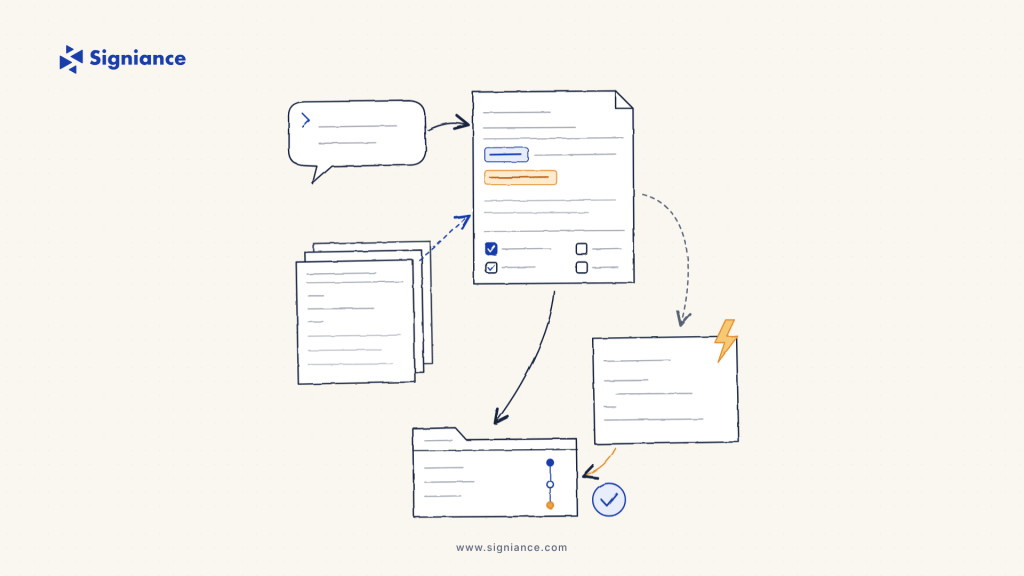
How specs, steering files and hooks turn an AI coding agent into a teammate your repo can trust.
In this article
- Why Prompt-to-Code Breaks Down After the Demo
- How Kiro Spec-Driven Development Works: Requirements, Design, Tasks
- Steering Files: Teach the Agent Your Stack Once
- Hooks: Automate the Guardrails
- A Prompt-to-Production Workflow for a Small Team
- Trade-offs to Plan For
- How Signiance Helps
Most startup teams hit the same wall with AI coding agents. The first feature flies: one prompt, a working demo, applause in standup. The second feature quietly breaks the first, nobody can say why the agent chose that database schema, and the pull request is 2,000 lines nobody wants to review. Kiro spec-driven development is a direct answer to that wall. Instead of going from prompt straight to code, Kiro turns your intent into a reviewable spec, teaches the agent your stack with steering files, and enforces your standards with hooks. This guide walks through how each piece works and how a small team can use them to get from prompt to a repo you would actually put in production.
Why Prompt-to-Code Breaks Down After the Demo
Prompt-to-code is fast because it skips the parts of engineering that feel slow: agreeing on behaviour, choosing an architecture, and splitting work into reviewable pieces. Those parts are exactly what make a codebase maintainable.
Three failure patterns show up again and again in the startup repos we review:
- Unstated requirements. The agent fills gaps with guesses, so edge cases like invalid input or retries behave differently in every module.
- Invisible decisions. Architecture choices live inside a chat transcript that nobody can find a week later.
- Unreviewable output. One giant change set makes code review a rubber stamp, which is how regressions reach production.
Spec-driven development moves the thinking back in front of the code, but keeps the agent doing the heavy lifting.
How Kiro Spec-Driven Development Works: Requirements, Design, Tasks
When you start a spec in Kiro (the + under Specs in the Kiro pane, or Spec in the chat pane), it asks whether you are building a feature or fixing a bug, then produces three markdown files:
- requirements.md captures user stories and acceptance criteria. For bugfix specs this becomes bugfix.md, which records current, expected and unchanged behaviour so the fix does not cause regressions.
- design.md documents architecture, components, sequence diagrams, data flow, error handling and the testing strategy.
- tasks.md is the implementation plan: discrete, trackable tasks with clear outcomes.
Requirements are written in EARS (Easy Approach to Requirements Syntax), which forces each requirement into a testable shape:
WHEN a user submits a form with invalid data
THE SYSTEM SHALL display validation errors next to the relevant fields
That one sentence tells a reviewer, a tester and the agent the same thing. Before design starts, the optional Analyze Requirements step checks for inconsistencies, ambiguities, conflicting constraints and gaps.
You also choose the order. Requirements-first suits product-driven work: define the behaviour, then let the design adapt. Design-first suits technically constrained work, such as building inside an existing architecture or porting a design doc from another tool, where feasibility has to come first. For small changes, Quick Spec generates all three files without approval gates.
Execution is where the plan pays off. You can run tasks one at a time, or run them all: Kiro builds a dependency graph from tasks.md and executes independent tasks concurrently in waves, with each wave starting once its dependencies are done. The Markdown Review button lets you comment on exact passages of a spec and send all your comments back to Kiro at once, which is the closest thing to a design review an agent has ever had.
Steering Files: Teach the Agent Your Stack Once
Specs describe one feature. Steering describes how your team builds everything. Steering files are markdown files in .kiro/steering/ for a workspace, or ~/.kiro/steering/ for global rules, with workspace files winning on conflict.
Start with the three foundation files Kiro can generate for you: product.md (purpose, users, business goals), tech.md (frameworks, libraries, constraints) and structure.md (file layout, naming, import patterns). Then add focused files for the rules that matter, controlled by front matter that must be the very first thing in the file:
---
inclusion: fileMatch
fileMatchPattern: ["infra/**/*.ts", "cdk.json"]
---
# Infrastructure conventions
- All stacks use AWS CDK v2 in TypeScript.
- Every S3 bucket blocks public access and enables encryption.
- Reference the approved patterns: #[[file:docs/infra-guidelines.md]]
The four inclusion modes give you control over context size. always loads in every interaction, fileMatch loads only when the agent touches matching files, manual loads when someone types the file name with a # in chat, and auto loads when a request matches the file’s name and description. Kiro also reads AGENTS.md files, including nested ones in subdirectories such as services/api/, so a monorepo can carry per-service rules.
Treat steering like code. Keep one domain per file, explain why a rule exists rather than only what it is, include before and after examples, and never put secrets in it, because steering files are committed with the repo.
Hooks: Automate the Guardrails
Steering tells the agent what you want. Hooks make sure it happens. Hooks are JSON files in .kiro/hooks/ that fire on events such as prompt submit, agent stop, file save, before or after a tool call, and before or after a spec task. Each hook runs either a shell command or an agent prompt.
Here is a practical starting set for a TypeScript repo on AWS:
{
  "version": "v1",
  "hooks": [
    {
      "name": "Lint on save",
      "trigger": "PostFileSave",
      "matcher": "\\.(ts|tsx)$",
      "action": { "type": "command", "command": "npx eslint --fix" }
    },
    {
      "name": "Guard risky shell commands",
      "trigger": "PreToolUse",
      "matcher": "shell",
      "timeout": 10,
      "action": { "type": "command", "command": "python3 .kiro/scripts/guard_shell.py" }
    }
  ]
}
Shell command hooks receive session context as JSON on standard input. Exit 0 and the output is added to the agent’s context. Exit with any other code and the error goes back to the agent, and for Pre Tool Use hooks the tool call is blocked. That makes a ten-line guard script enough to stop an agent from running destructive commands:
import json, sys

event = json.load(sys.stdin)
call = json.dumps(event.get("tool_input", {}))
blocked = ["rm -rf", "terraform destroy", "cdk destroy", "--force"]
if any(pattern in call for pattern in blocked):
    print("Blocked by team policy. Ask a human to run this.", file=sys.stderr)
    sys.exit(2)
One trade-off worth knowing: agent prompt hooks start a new agent loop and consume credits, while shell command hooks are deterministic, faster and use no LLM credits. Use shell commands for linting, tests and policy checks, and save agent prompts for work that needs judgment, such as updating docs after an API change.
A Prompt-to-Production Workflow for a Small Team
Put the three pieces together and a five-person team can run a workflow like this:
- Commit the .kiro folder. Steering files, hooks and specs live in version control and go through pull requests like any other code.
- Write the spec, then review it. One engineer drafts the spec from a prompt. A second reviews requirements.md and design.md in Markdown Review before any code exists.
- Run tasks in waves. Let Kiro execute the task plan. Hooks lint on save and block risky commands as it goes.
- Ship small pull requests. Map task groups to pull requests so reviewers see focused changes linked to a requirement.
- Keep CI as the final gate. Specs and hooks reduce mistakes. Your pipeline, tests and deployment checks still decide what reaches production.
Two recent changes help teams adopt this safely. Kiro now asks before the agent changes agent, hook or Power files, and Kiro CLI shows a workspace trust prompt before a folder’s hooks, agents, MCP servers, steering and workflows load. Kiro CLI 3.0, released on November 3, 2026, also made the V3 harness the default, with a local command sandbox and an autonomous mode for runs that do not need per-command approval.
Trade-offs to Plan For
Spec-driven development is not free. Specs add review time up front, which is the point, but it can feel slow for a one-line fix. Use Quick Spec or plain chat for small changes and full specs for anything that touches data models, auth or infrastructure. Steering files go stale if nobody owns them, so review them during sprint planning. And a spec is only as good as its acceptance criteria: vague EARS statements produce vague code.
How Signiance Helps
We help teams write the first round of steering files from their real conventions, design hook sets that enforce security and cost policies, connect spec-driven work to CI/CD pipelines on AWS, and train engineers to review specs as rigorously as they review code. Our DevOps and AI Native Engineering teams work inside your repo, so the patterns stay after we leave.
If your agents are writing code faster than your team can trust it, book a free AI Native readiness assessment or a consultation at signiance.com and we will map your path from prompt to production together.